IaC
is this kubernetes yet?

Archival footage of original lab Kubernetes deploy.
When I started drawing up concepts for this lab, I believed that a Kubernetes-oriented system would be the logical architecture for something claiming to be a sophisticated DevSecOps computer lab. The education driving that particular decision seems to be largely steeped in market pop culture and hyped up DevOps evangelists. Undoubtedly, Kubernetes provides a core capability for many environments the world over, predominantly in the Cloud, but does it have a place here?
First of all, you don't do something because it's flashy.
You do it because you have a critical reason to do it and I just couldn't find that justification in adopting Kubernetes for the lab wholesale. When Kubernetes was deployed, it felt claustrophobic and limited for this environment; a cloud-native Wunderkind struggling to fit into a baremetal setup.
After all, this is a physical infrastructure and contains only a few hosts, at that. There was never going to be the opportunity for autoscaling; the workload would always end up on one of two hosts. Then there's the fact that those two hosts have very finite compute and memory resources. Running a Control Plane would needlessly consume those resources; resources I preferred to reserve for application workloads. I would also need another device to act as a Load Balancer for web and API server ingress and I'm maxed out on the number of hosts I can have.
So, no Kubernetes.
Instead, I chose to go with something far more simple.
ansible and terraform
The lab maintains a strict IaC standard where the only manual commands ever entered on a host are the prompts for the initial OS installation and configuring static network settings. From that point on, everything else is managed in code using a combination of two of the industry's largest titans : Ansible and Terraform.
These two GitLab projects comprise the joined IaC implementation for the Pendragon Lab :
-
cloud-mgmt- Terraform stack managing the Linode resources and LetsEncrypt TLS used in providing secure exposure for the lab's non-routable services to the great WWW.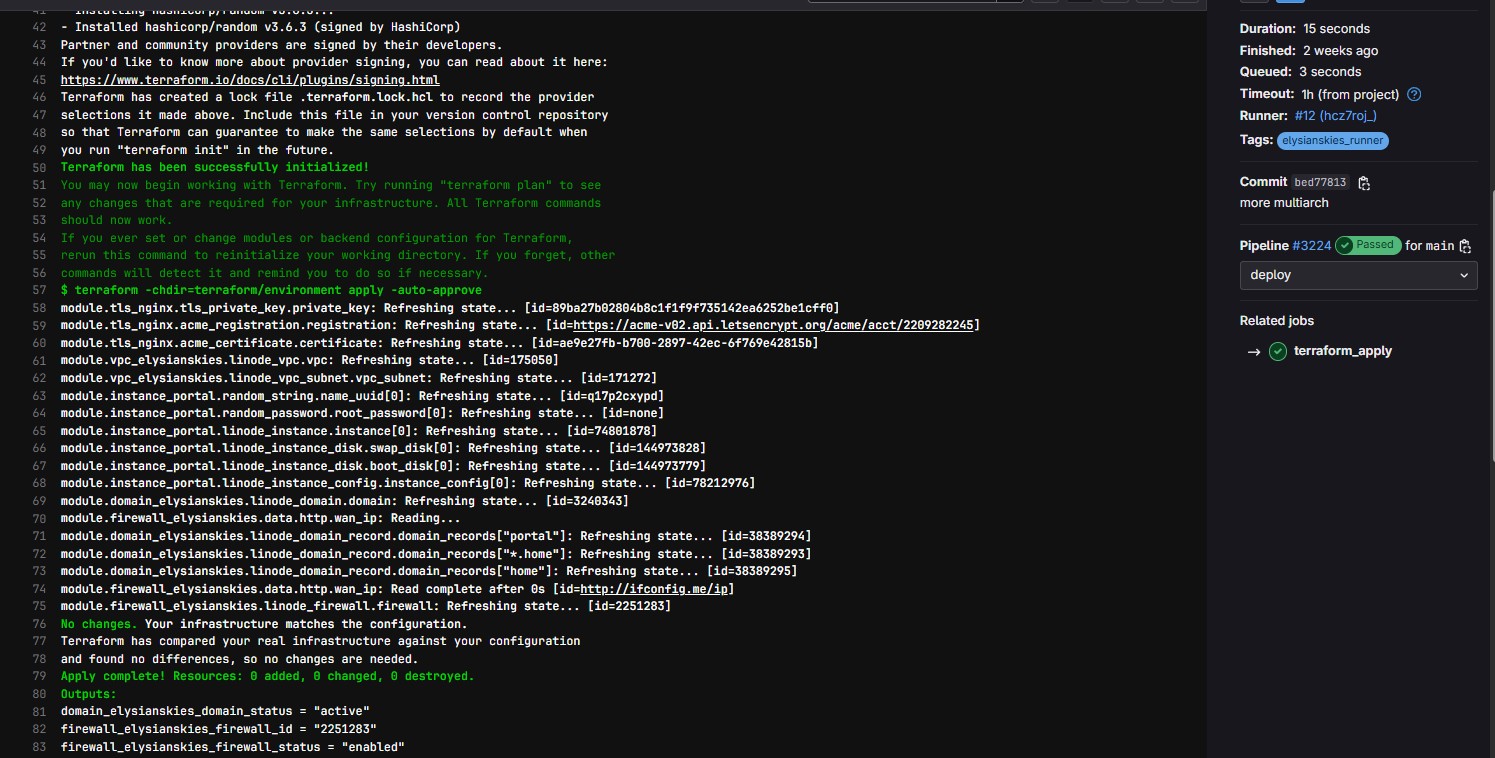
Example pipeline output showing tfstate compliancy.
-
host-mgmt- Ansible stack which handles host configuration, Docker deployments, and any other scripted processes such as the SSH tunnels.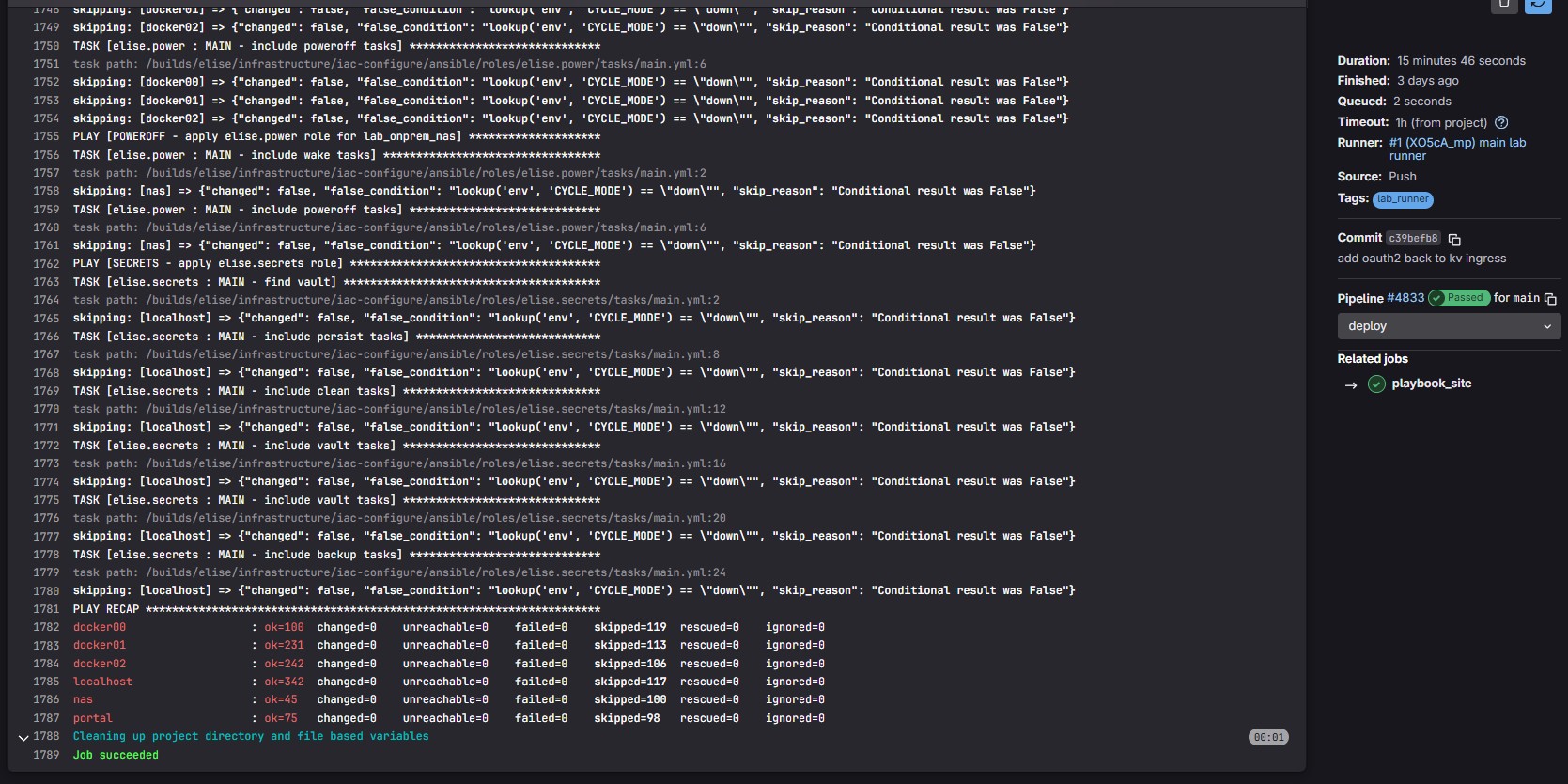
Example pipeline showing summary of changes, executing
ansible/site.ymlplaybook.
power cycle
This lab's Ansible stack goes a bit further than just ensuring idempotent configuration.
In addition to standard Ansible configuration practice, host-mgmt has also been developed into a full power cycling system which is triggered in conjunction with the lazarus project to rotate the lab's power state in and around outages or even just as a scheduled maintenance. Together, these two projects automate the lab's IaC to the degree, the full lab stack can be managed as an appliance.
The host-mgmt project is an Ansible implementation capable of fully powering the lab up as well as safely powering the lab down. To accomplish this, the project uses a concept called playbook flows which are fed in as environment variables into the running Ansible container. Each mode selects the order of playbooks to run and values to use which either bootstrap the lab from a complete poweroff state to fully loaded or from fully loaded to powered off.
This functionality is the truest test for the quality of any IaC stack.
It's much easier to just deploy something once and then have automation either modify or ensure existing instances. There's a myriad of race conditions and conditional logic which pop up over time making it much more difficult to rotate between two opposing states. Terraform accomplishes this natively by using an apply/destroy mentality, allowing all infrastructure to be handled as ephemeral.
host-mgmt attempts to mimic that same functionality by using the following defined playbook flows :
-
full - run all Ansible playbooks in forward direction, starting and configuring all services.
-
up - run only Ansible playbooks in forward direction needed to start services.
-
down - run only Ansible playbooks in reverse direction needed to shut down services.